Bring your image.
Choose an image that expresses your design. New possibilities begin here.
SKETCH / MODEL / RENDER
See your idea
differently.
Rethink materials, light, and expression.
Explore the possibilitiesThe intro images could not be loaded. Refresh the page to try again.
 Preparing images.
Explore AI rendering from your sketches, model images and existing renders. Compare materials, lighting and atmosphere for architecture, interiors, landscape and product design in one visual workspace.
Explore AI architectural rendering and design workflows →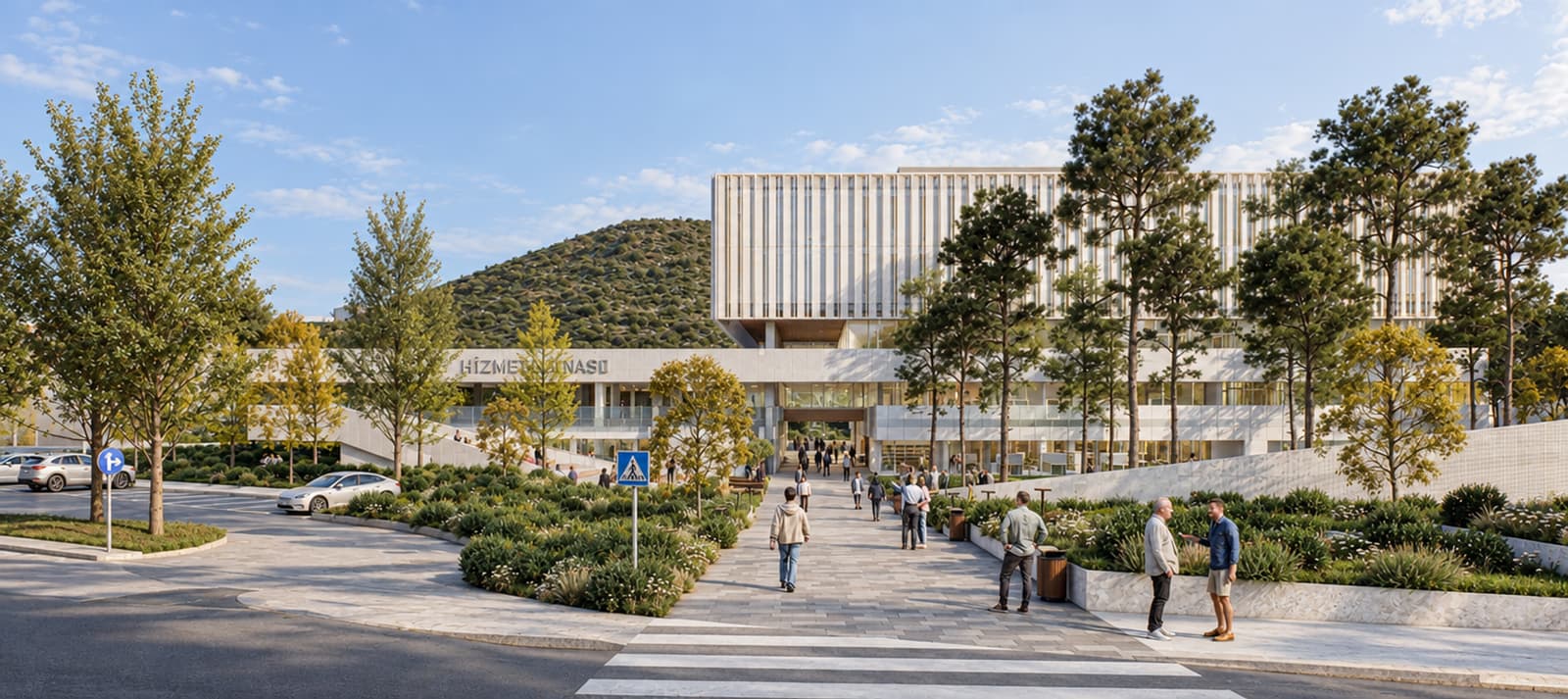
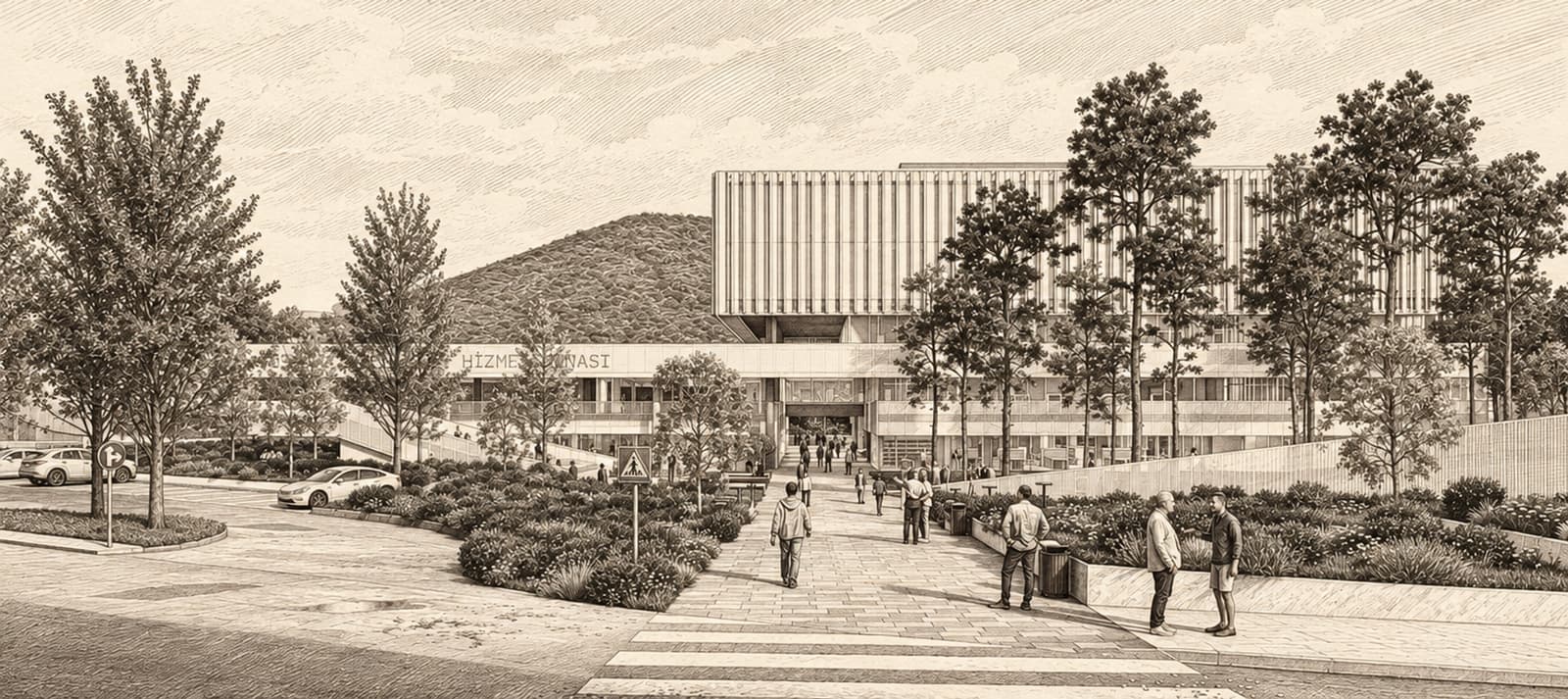
Realistic interpretation selected.
Start with a sketch, a model view,
or an existing render.
Choose an image that expresses your design. New possibilities begin here.
SKETCH / MODEL / RENDERDescribe the material, style, or atmosphere. You decide what you want to change.
MATERIAL / LIGHT / STYLEExplore different interpretations side by side. Find the direction that fits your idea and take it further.
TRY / COMPARE / CHOOSEIt is a way to develop a sketch, model screenshot or existing render with AI. In RenderAILab, choose a direction for materials, light, style and atmosphere, then compare the visual interpretations.
Start with sketch images, model screenshots and renders for architecture, interiors, landscapes or products. For interior design AI studies, upload an image of your room or model view and describe the change. Upload an image, rather than a 3D model file.
The material-only operation changes the material in your selected area. Scene enhancement considers the visual treatment, lighting and atmosphere together. Review the application area and protection options before generating.
The editor shows credit information before generation, based on your model, resolution and operation choices. Compare credit packs or learn how credit usage works.